Frameworks
Evaluation frameworks
The framework is the structured development programme your team follows. It determines what athletes are asked each week, how their progress is tracked, and how development evolves across the season.
What is a framework?
A framework is a season-long plan of development themes. It is structured across 52 weeks, divided into 13 four-week blocks. In each block, a different focus area is highlighted within each of the five development pillars: Technical, Physical, Psychological, Social, and Personal.
When a coach creates an event, the app automatically calculates which week the event falls in and loads the corresponding evaluation questions for that week. Neither the coach nor the athlete needs to set this manually.
The framework runs in the background, quietly advancing through the season as events are created and evaluations are completed. Each event creates a simple development loop: Prepare before the session, Reflect afterwards, Coach feedback, then clear next steps.
47 sports, seven levels
SHOT Clubhouse frameworks now cover 47 sports. Each sport has seven levels, giving coaches a structured pathway from first participation through academy, competitive, recreational, and professional environments.
Frameworks are built from sport-specific coaching guidance, governing-body material, association models, and practical coaching language. Yoga, tennis, badminton, padel, rugby, and football all use different examples, cues, and development expectations rather than a copied generic template.
The seven levels
Every sport follows the same level pathway. Choose the level that matches the athletes in front of you now, then move up or across when the group changes.
Play
Accessible language for young athletes, beginners, and groups new to reflection.
Foundation
Core technique, movement, confidence, and understanding for athletes building consistency.
Development
More detailed sport-specific language for athletes ready to connect preparation, performance, and review.
Academy
High-expectation language for athletes in selective, pathway, or talent-development environments.
Professional
Professional-level habits, review quality, pressure management, and performance standards.
Competitive
For adult and serious amateur teams where outcomes, preparation, and repeat performance all matter.
Recreational
For participation-led environments where wellbeing, enjoyment, consistency, and confidence are the main goals.
How to read the framework screen
CoachFrom the team admin screen, tap Explore Framework. This opens a scrollable view of all phases in the framework, with the current phase marked as NOW.
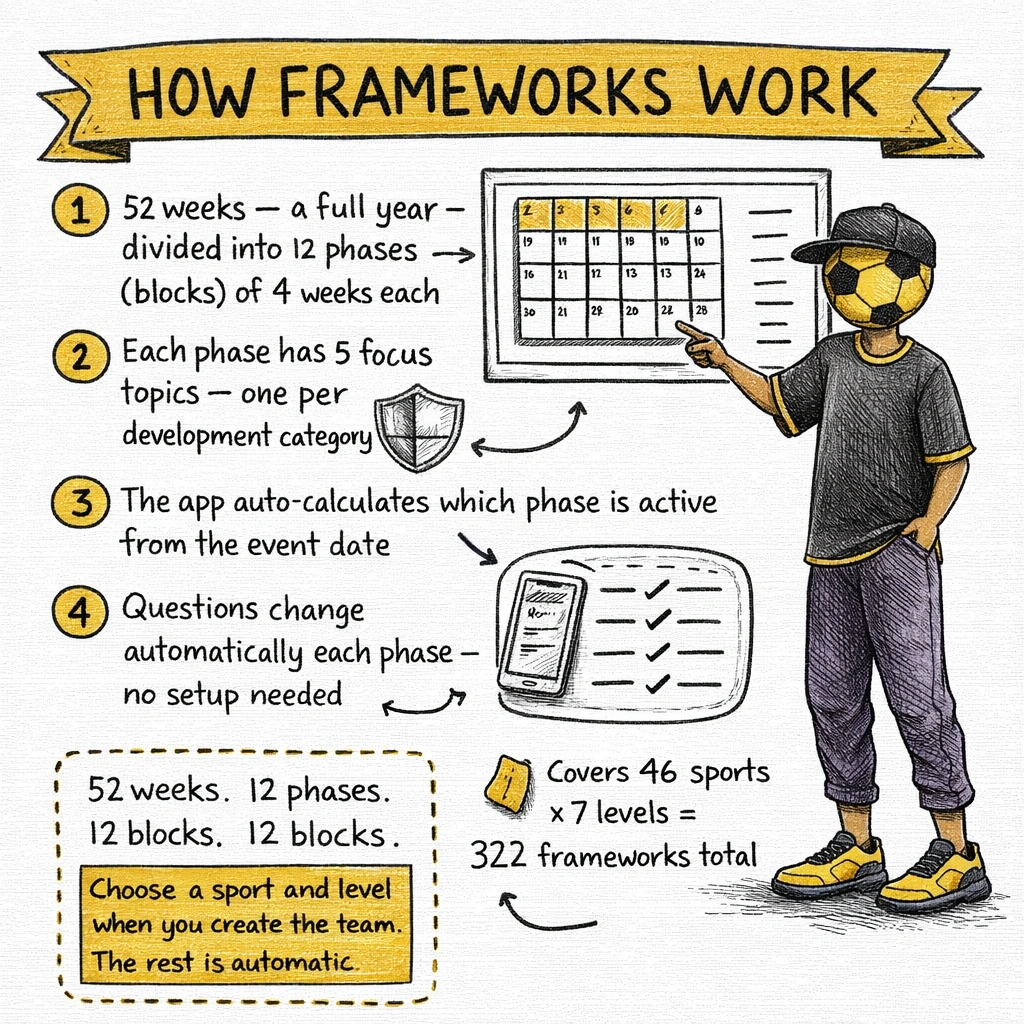
Each block shows five rows - one per pillar - with the specific focus area for those four weeks.
Example: Play 2025, Phase 7 (Weeks 25–28)
Example: Play 2025, Phase 8 (Weeks 29–32)
The same structure repeats throughout the season. Scroll down the Explore Framework screen to see the full season at a glance.
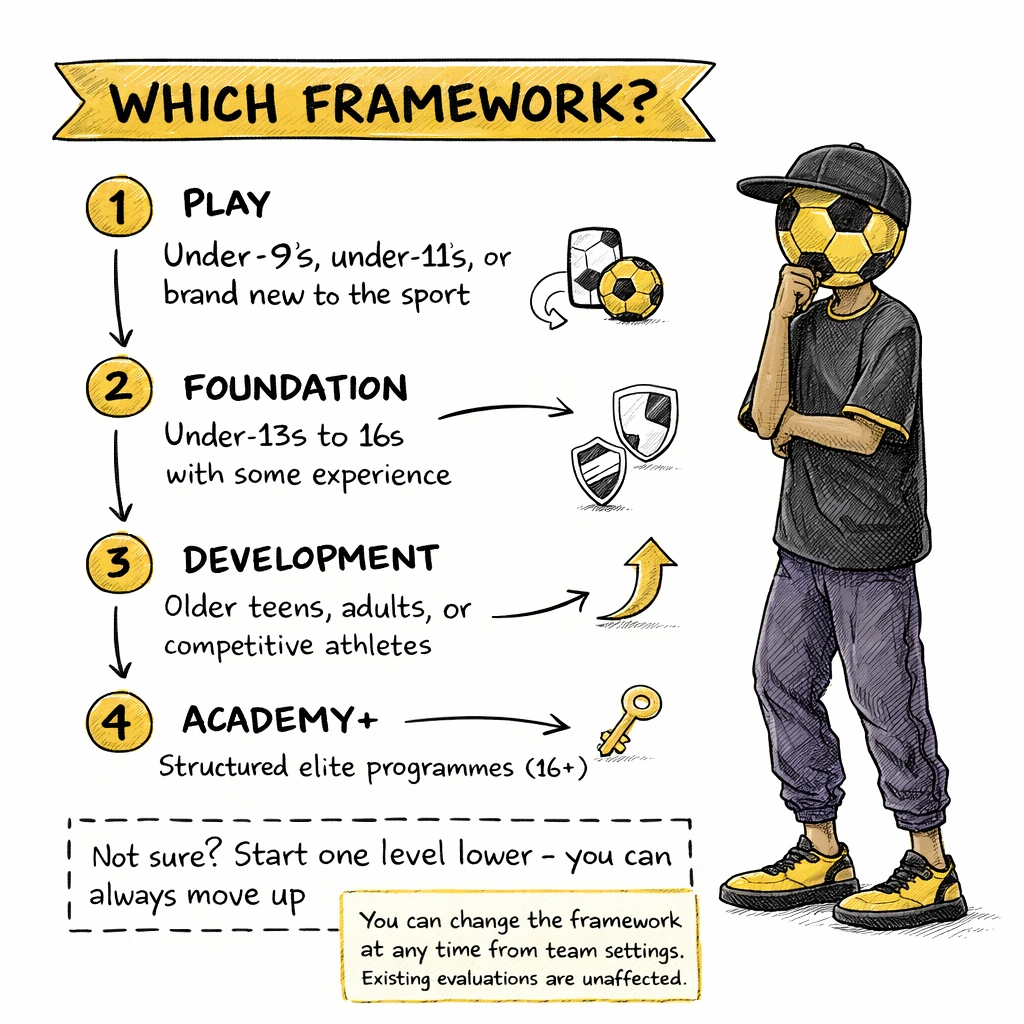
52 weeks, 13 blocks
Each block in the framework covers four consecutive weeks. Across 52 weeks, that creates 13 blocks. Within a block, every event created during those four weeks uses the same set of questions - one per pillar, tied to that block's focus areas.
The app auto-calculates which week an event falls in when you set the event date. You do not need to track this manually. The current block is shown on the event creation screen alongside the event date, labelled "Auto-calculated".
Team Focus
Once an event is published and evaluations begin, the parent and athlete views show a Team Focus section at the bottom of the event - listing the four-week block focus areas for quick reference during the week.
When to change framework
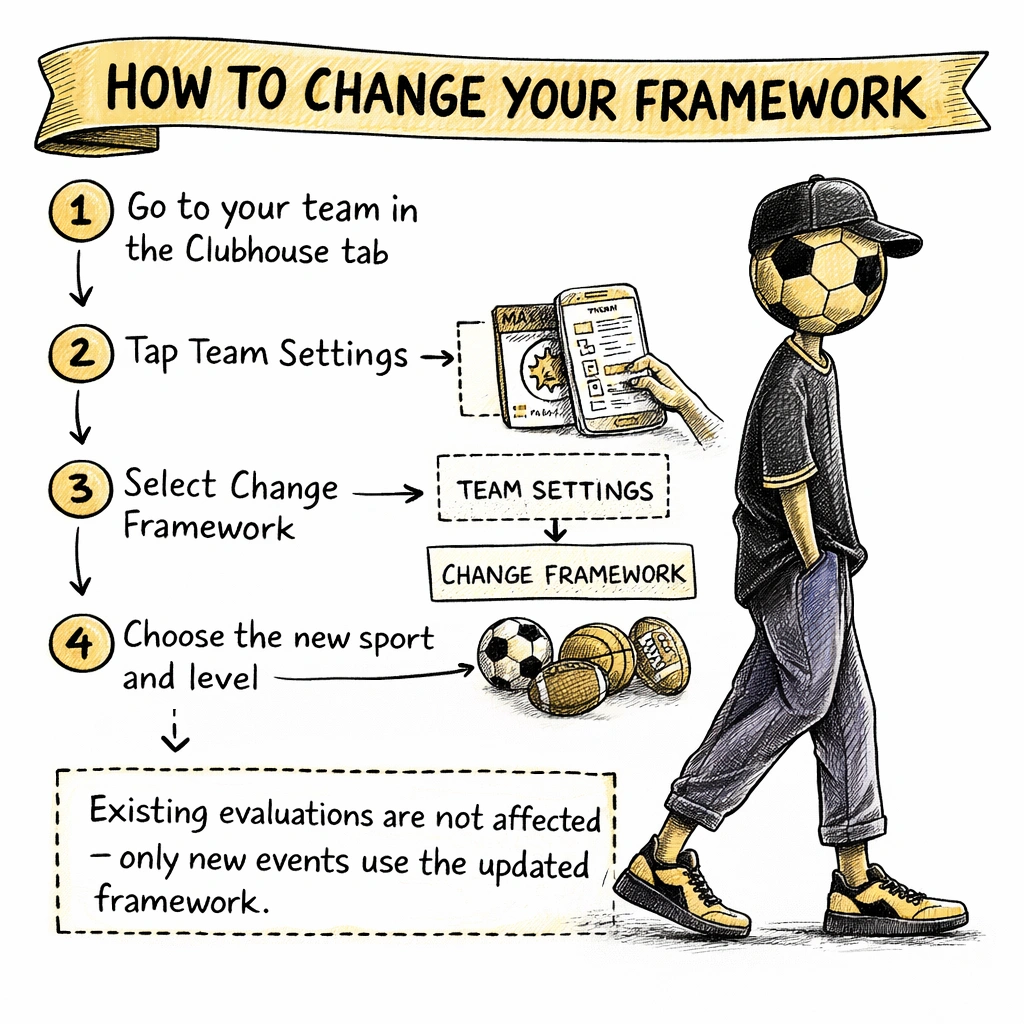
CoachYou can change your team's framework from team settings at any time. The new framework takes effect from the next event you create.
Reasons to switch framework:
Which framework to choose
A quick guide for common squad types: